A quote you post gets better when readers react early. SupaTwitter gives free likes, replies and saves from vetted members who show a face and an audience on their profiles, each done by hand, with no bots. A public link to the tweet is all it asks, no Twitter password. Start on free Twitter likes once the quote is live.
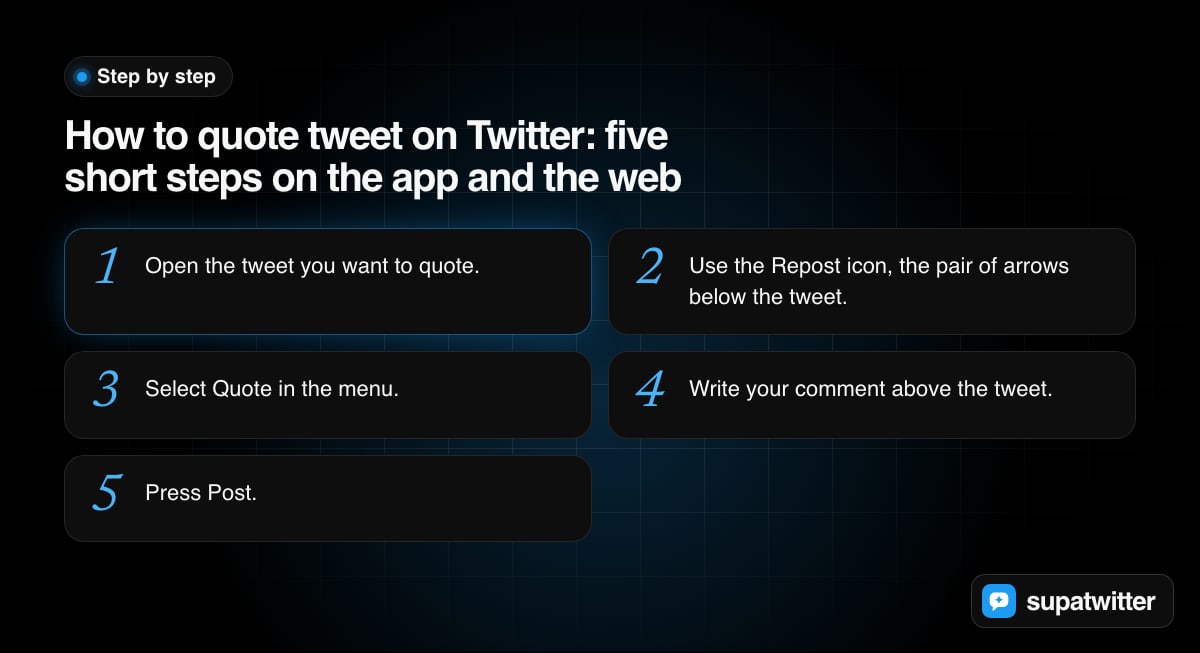
1. Quote a tweet in the app
Do this on iPhone or Android.
- Open the tweet you want to quote.
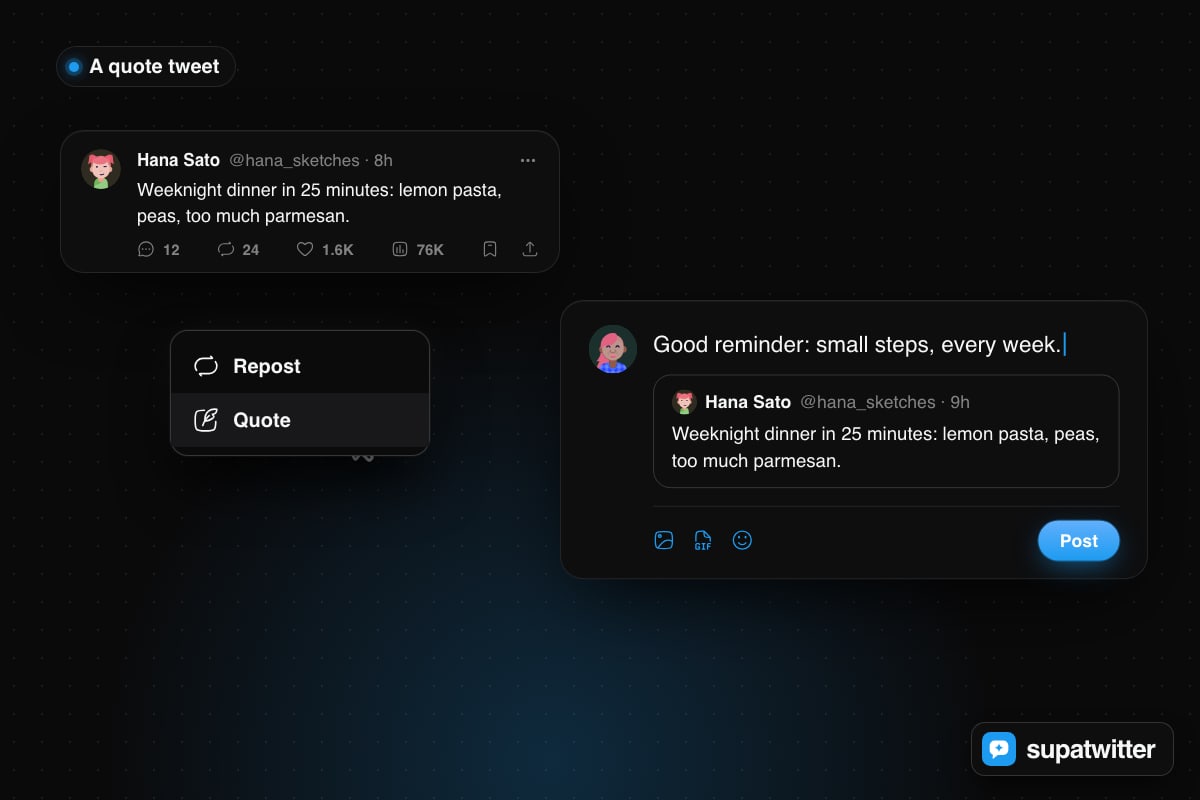
- Use the Repost icon, the pair of arrows below the tweet.
- Select Quote in the menu.
- Write your comment above the tweet.
- Press Post.
Myth: a quote has to fit in a tiny box next to the original.
Reality: your comment has its own full 280 characters, and the quoted tweet sits below it as a card. Check length with our Twitter character counter.
You get a new tweet on your profile with the original embedded under it.
2. Quote a tweet on the web
- Locate the tweet on your home feed, in search results or on its author's profile.
- Hover over it and click the Repost icon.
- Click Quote. Some web builds call it Repost as Quote.
- Type your comment in the box above the tweet.
- Click Post.
Myth: a quote can only carry text.
Reality: you can attach up to four photos, one GIF or one video. A screenshot or a chart often says more than a sentence.
The tweet goes live on your profile and in your followers' Following timelines.
3. Quote your own tweet
- Open your own tweet and press the Repost icon.
- Select Quote and write the update or the new angle.
- Press Post.
Myth: quoting yourself looks desperate.
Reality: a quote of your best tweet with a fresh angle puts it back in front of followers who missed the first round.
Your older tweet returns to the Following and For you feeds with a new line on top.
4. See and delete quotes
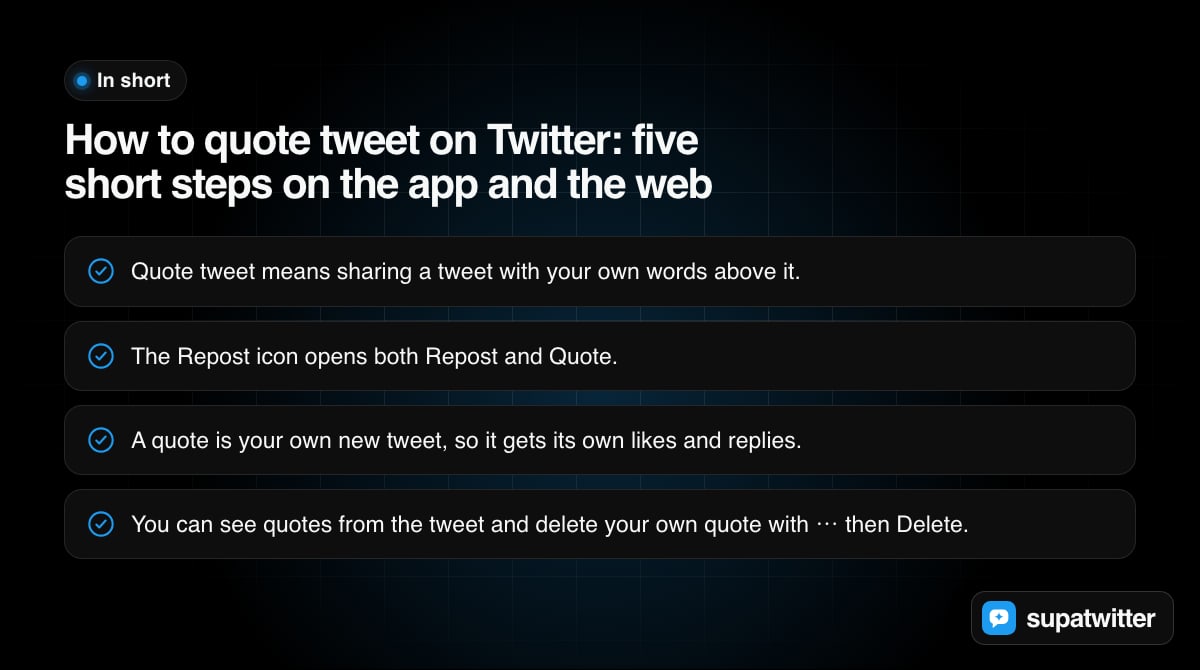
- Open the tweet and select View quotes, or press the repost count and open the Quotes tab.
- Another route: select ⋯, then View post engagements, then Quotes.
- Open a quote to like it or reply.
- To remove your own quote, select ⋯ on it and choose Delete.
Myth: a quote only matters to the person who wrote it.
Reality: a quote of your tweet shows it to the quoter's followers and tells you who is talking about it. A short reply to each quote makes a visible conversation.
You get a list of readers who already care about the topic.
5. Write a quote that earns replies
- Put your point in the first line, above the card.
- Add what the original lacks: a number, an example or a counter case.
- End with a specific question for your readers. Draft it with our Twitter hook generator.
- Mention the author with @username to put them in the replies.
- Answer each reply under your quote soon after it goes live.
Myth: the more quotes you post, the faster you grow.
Reality: one quote a day with a clear point and early replies earns more than five quotes of a few words.
A quote is a new tweet with its own likes and replies, so give it early support with free Twitter likes. More ways to collect likes are in how to get likes on Twitter.