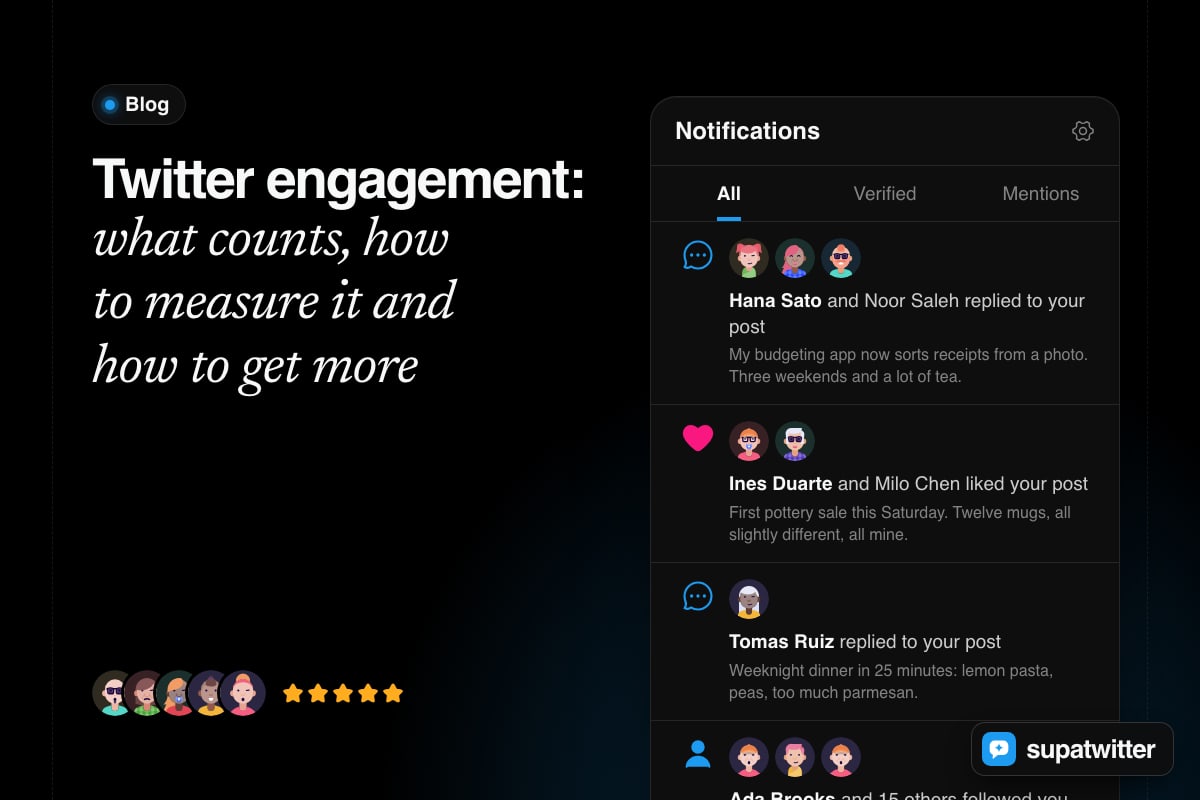
Twitter engagement counts every action people take, public or not
Likes, replies, retweets, quote tweets and saves show as numbers under the tweet, next to views. Link, hashtag and media clicks, profile clicks, detail expands and follows from the tweet show only in the tweet's own numbers. Twitter adds them all into total engagements, so a tweet can score well with few visible likes.
Free likes, replies and saves from real people give a new tweet its first reactions
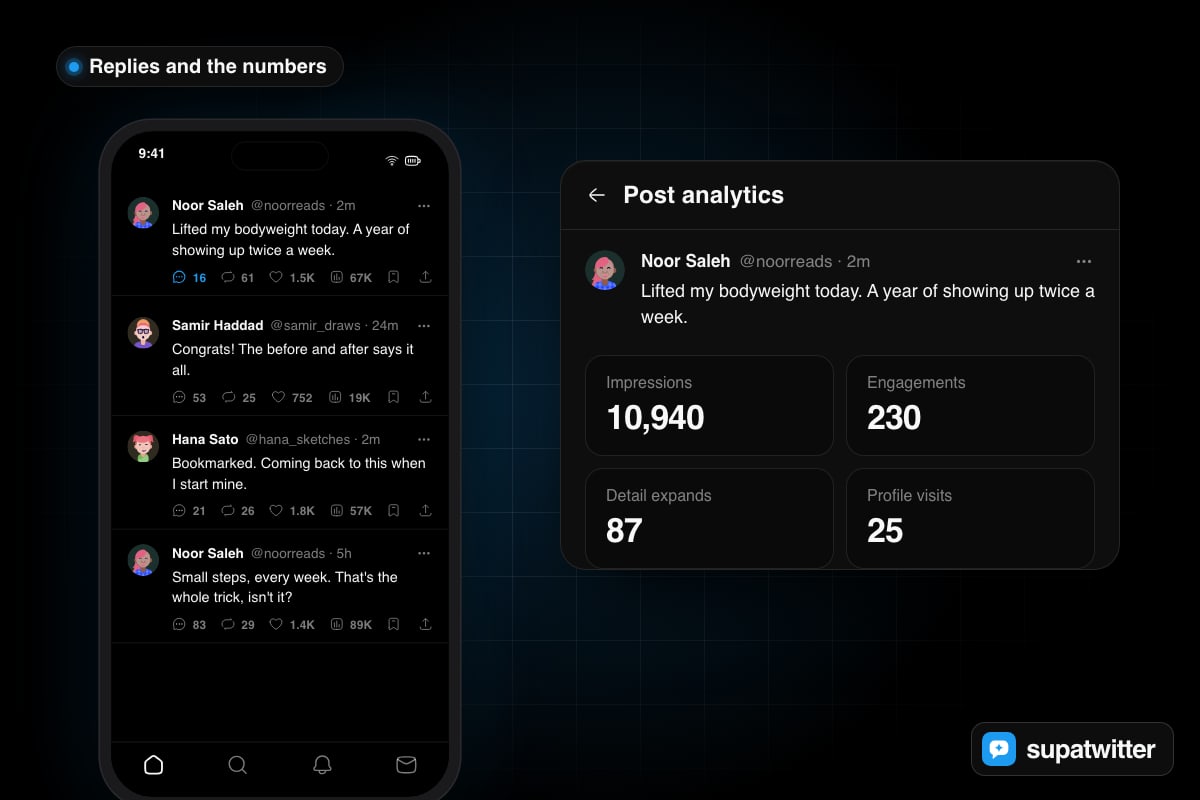
Yes, SupaTwitter gives them free: likes, replies, saves and followers, from checked members with a profile photo and people who already follow them. They act by hand from their own accounts, there are no bots, and a public link to your tweet is enough with no Twitter password. We hand out no retweets. Readers retweet on their own, once a tweet already shows early likes, replies and saves.
Start with free Twitter comments and free Twitter saves, or ask for free likes the minute the tweet goes live.
The rate divides actions by impressions for one tweet, or by followers across accounts
| Formula | Use it for | Typical result |
|---|---|---|
| Total engagements ÷ impressions × 100 | One tweet | 0.5% to 1% is average, above 1% is strong |
| (Likes + retweets + replies) ÷ followers × 100 | Comparing accounts | Far lower, a few hundredths of a percent for the median brand |
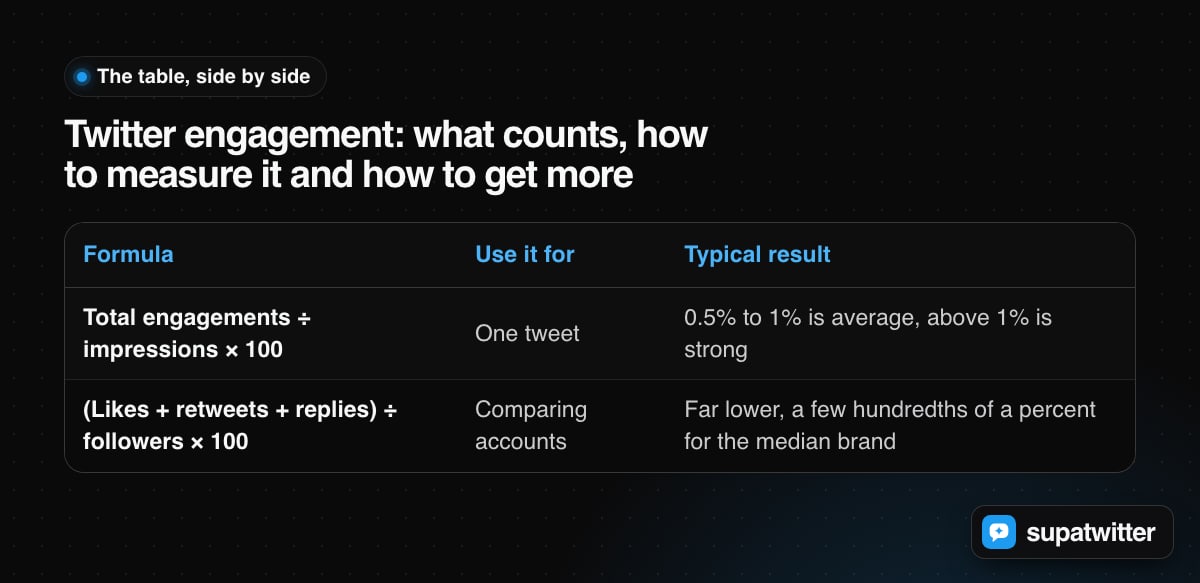
420 engagements on 20,000 impressions is 2.1%. Read both numbers under the tweet with the bar-chart icon. With Premium, the Analytics page shows them for every tweet. Our Twitter engagement rate calculator does the division.
A weekly review of your last 7 days shows which formats to keep
Open the numbers of each tweet from the last 7 days one by one (the bar-chart icon under it), put them into the calculator and rank the tweets by rate. With Premium, Analytics sorts them for you. Keep the formats on top, drop the bottom ones, and write next week's tweets in the winning shapes.
Twitter spreads tweets that gather replies and saves in the first hour
- Answer each reply as it arrives, since a thread with answers reads as a conversation.
- Post one to three tweets a day and fill the gaps with replies under other accounts.
- Reply early under larger accounts in your niche, with a take that makes sense without the thread above it.
- Write reference tweets with steps, lists and templates that people save.
- A reader who opens the tweet, stays, likes, saves and replies sends it further than one who only likes.
- Post when your readers are online, see the best time to post on Twitter.
Plain text often scores the highest rate, and polls and threads each have a job
Text-only tweets often show the highest median rate. Add an image when it explains something. A poll or a question gives readers a one-click answer. A thread works when each tweet stands alone and earns its own saves. Join a trend when your niche has a real take on it, see current Twitter trends.
Hooks and the profile turn a reader into a follower
Put the hook in the first two lines, because the readers who open the tweet and read on send the best signal. Then check the profile they land on: a clear bio, a photo and a pinned tweet that shows what you post. Draft hooks with our Twitter hook generator.
Numbers bought from sellers raise the count and bring no readers, see buying Twitter likes. Real readers lift the rate. Run the weekly review again next Monday and compare the top three tweets with this week's.