Skip to content

Blog

How to boost post on Twitter: the paid Boost button and the free way that keeps a tweet moving

How to boost post on Twitter: open the tweet, press Boost and pay, or lift it free with early support from real people.

By SupaTwitter editors · updated · 2 min read

Cover for "How to boost post on Twitter: the paid Boost button and the free way that keeps a tweet moving"

A paid Boost button sits on your own tweets

  1. Open the Twitter app and go to your profile.
  2. Open the tweet you want to push.
  3. Press Boost.
  4. Pick a reach level, or a daily spend and a number of days, and a location. Where shown, add the age and gender of the people to reach.
  5. Review the summary and add a payment method.
  6. Press Boost post. Results appear in X Ads Manager.
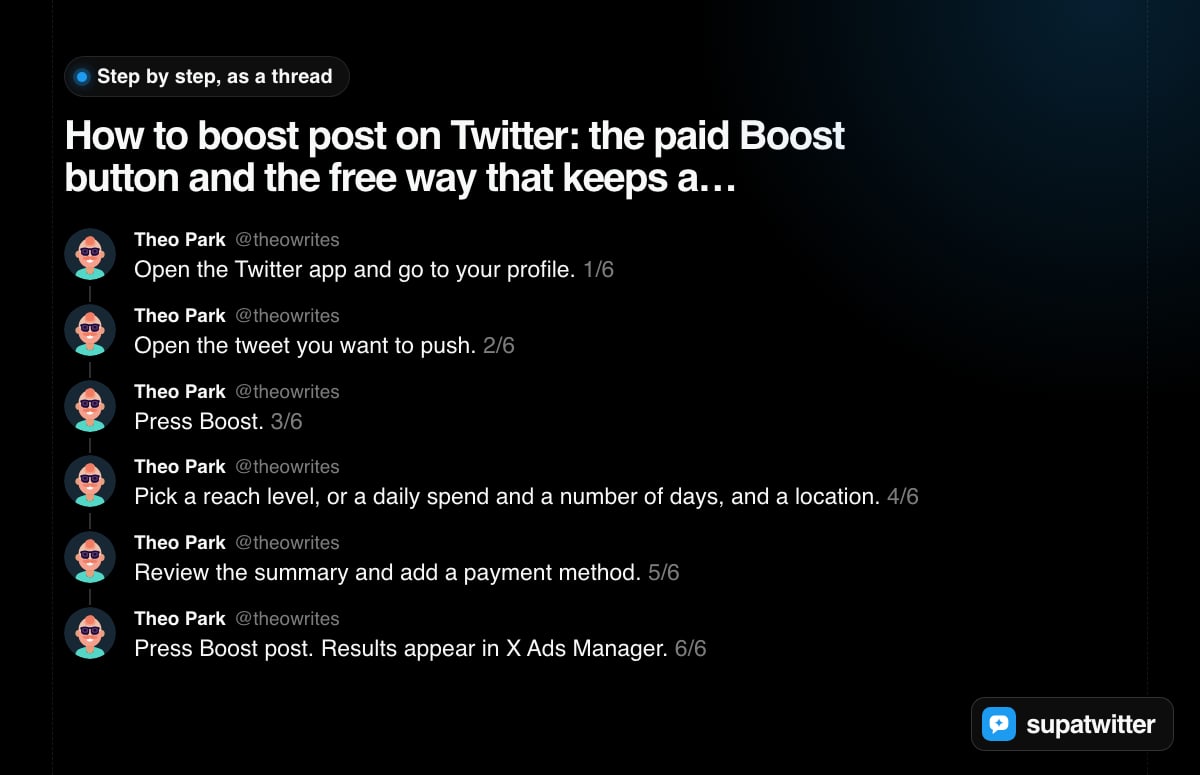
The steps of "How to boost post on Twitter: the paid Boost button and the free way that keeps a tweet moving" as a numbered picture
A paid Boost button sits on your own tweets.

Payment is final, and a Boost can't be paused or cancelled, so settle the tweet and the amount before you press. If your account shows no Boost button, open the activity icon under the tweet and choose Promote, or start from X Ads Manager.
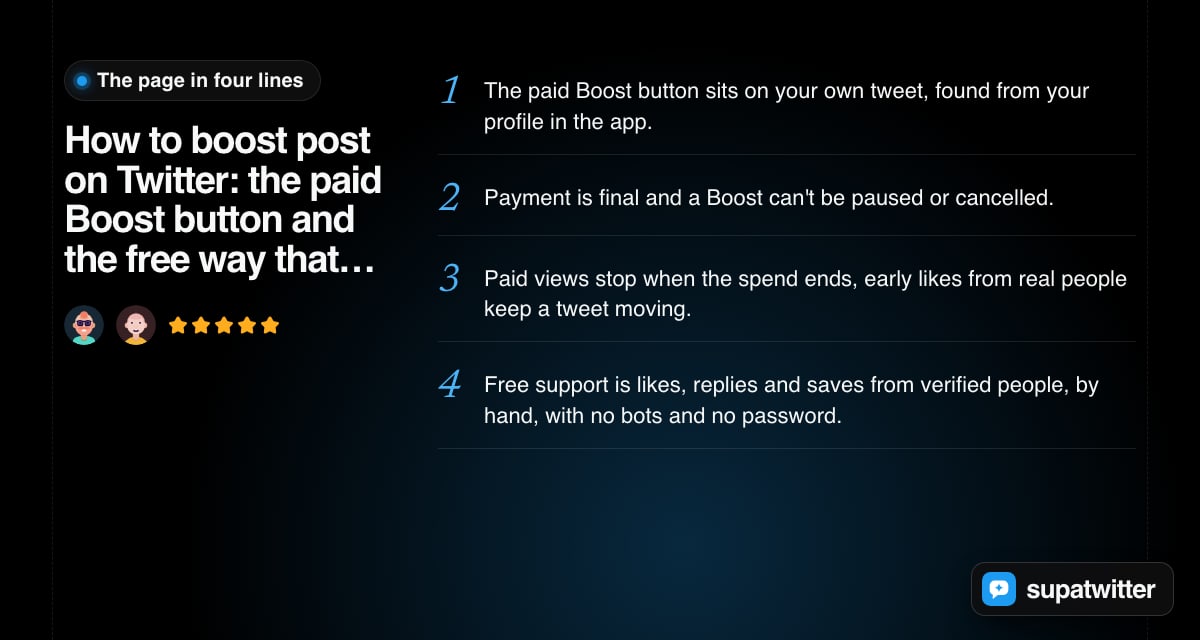
The main points of "How to boost post on Twitter: the paid Boost button and the free way that keeps a tweet moving"
The paid Boost button sits on your own tweet, found from your profile in the app.

Free support from real people lifts a tweet before you spend anything

SupaTwitter gives free likes, replies, saves (Bookmarks) and followers. The helpers are real people whose profiles show a face and an audience that reads them, so no bots. Members do the support themselves, from accounts of their own, and you share only the tweet's public link, never a password. Paste the tweet's link on the home page right after posting, and ask for free comments when the tweet has something to answer.

Real readers then retweet a tweet that gathered early reactions, which no seller can deliver.

Four free moves add reach without any spend
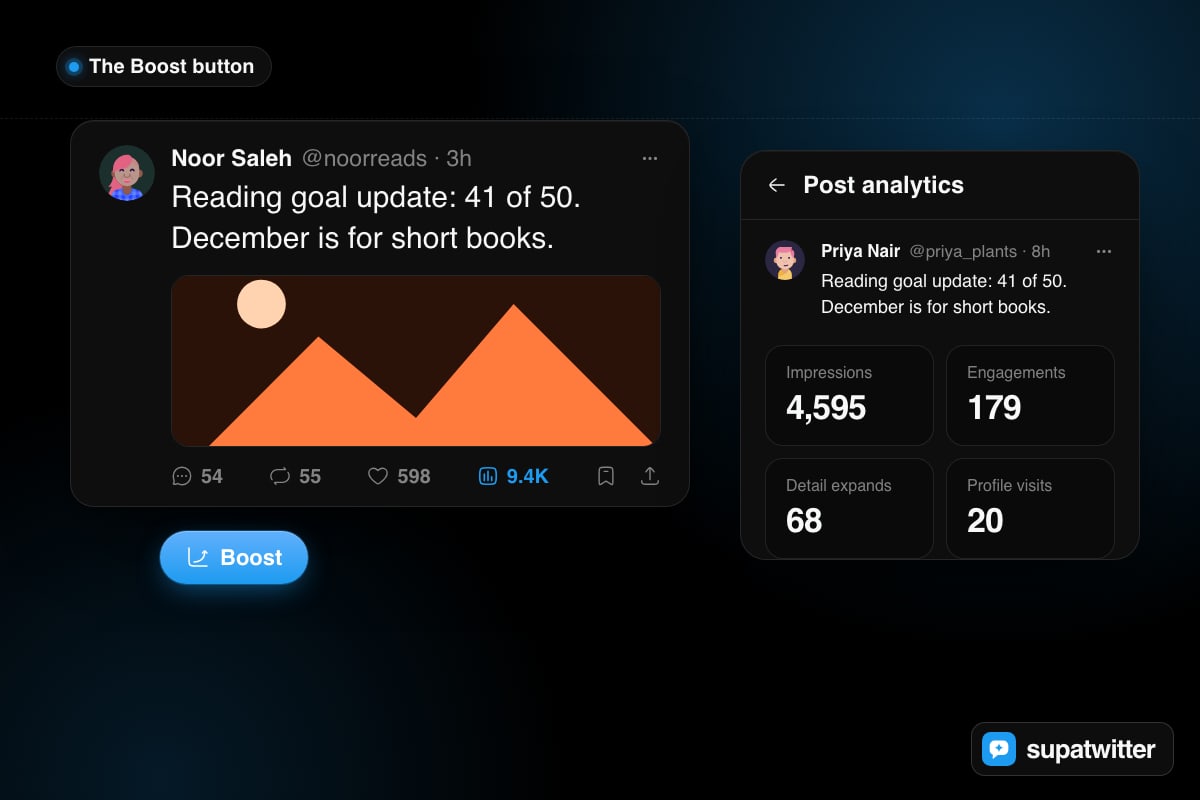
Illustration: the numbers under a tweet and the Boost button
Illustration: the numbers under a tweet and the Boost button.
  • Write a hook in the first two lines. The hook generator gives openings to edit.
  • Answer each reply while the tweet is still fresh.
  • Pin the tweet to your profile so every visitor sees it.
  • Share the link where your readers already are: a newsletter, a group chat, a forum.

Myth: Boost turns any tweet into a hit.

Reality: Paid views stop the day the spend ends. A tweet that real readers like, answer and save during its opening hour keeps moving in the For you tab on its own, as how to get likes on Twitter explains. Paid tweets also bring few profile visits, so the viewers rarely turn into followers.

Run one of each and compare after a week

Boost a single tweet that already gathers reactions and give another only early support. Open the activity of both after a week and compare likes, replies and profile visits.
Read next

Cover for "Buy Twitter likes doesn't make sense: a bought like has no reader, while real likes are free here"Buy Twitter likes doesn't make sense: a bought like has no reader, while real likes are free hereCan you buy Twitter likes? No: bought likes come from empty accounts and vanish in clean-ups. Here is how real members like your tweets, free.Nov 25, 2026Cover for "Best time to post on Twitter: the hour your readers are online and you can stay to reply"Best time to post on Twitter: the hour your readers are online and you can stay to replyThe best time to post on Twitter is when your readers are online and you can stay a full hour. Three windows to test, the best days and how often to tweet.Nov 25, 2026Cover for "Current Twitter trends: how to find them today and put one to work in your tweets"Current Twitter trends: how to find them today and put one to work in your tweetsCurrent Twitter trends live in the Explore tab. Learn where to find them, how to switch the location, and how to use a trend for your own tweets.Nov 25, 2026

FAQ

Questions people ask

Does the Boost button cost money?

Yes. You choose a reach level or a daily spend with a number of days, and pay before it runs.

Can I stop a paid push once it starts?

No. Payment is final and a Boost can't be paused or cancelled.

How do I lift a tweet for free?

Get early likes, replies and saves from real people, pin the tweet and share its link where your readers are.

Is a Boost worth it on a tweet with no reactions?

No. A paid push on a tweet nobody reacted to buys views from readers who scroll past it. Collect early likes, replies and saves first, then pay to push the tweet that already moves.

Free Twitter likes, by hand

Real members · No password · Forever Free