A view is one showing of your tweet to a logged-in person
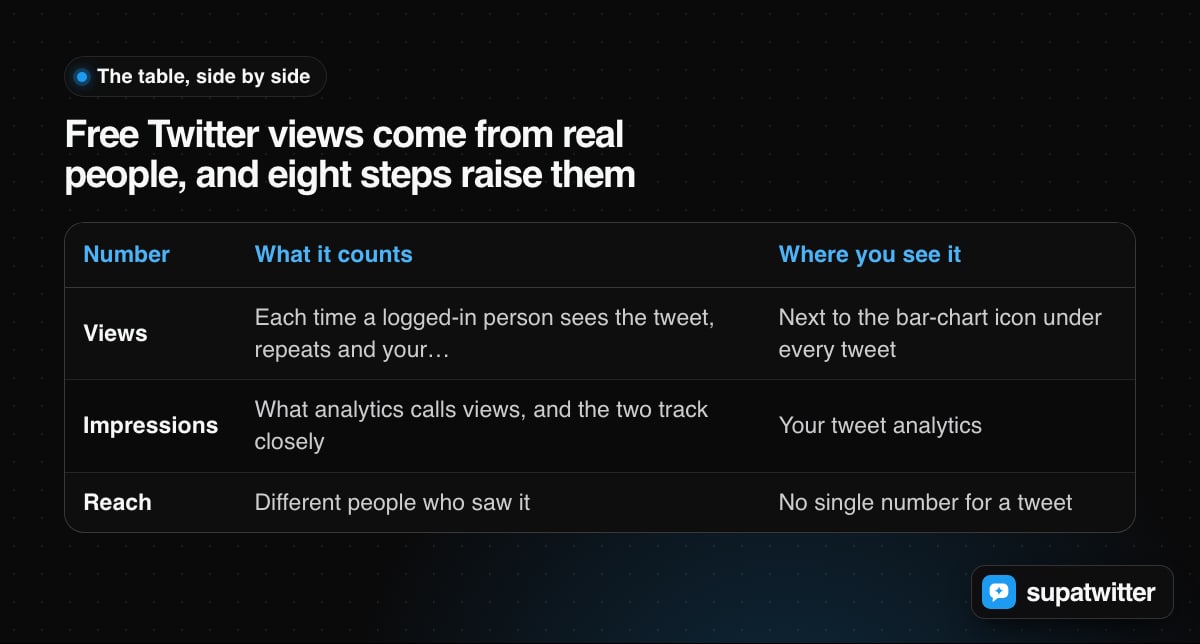
| Number | What it counts | Where you see it |
|---|---|---|
| Views | Each time a logged-in person sees the tweet, repeats and your own looks included | Next to the bar-chart icon under every tweet |
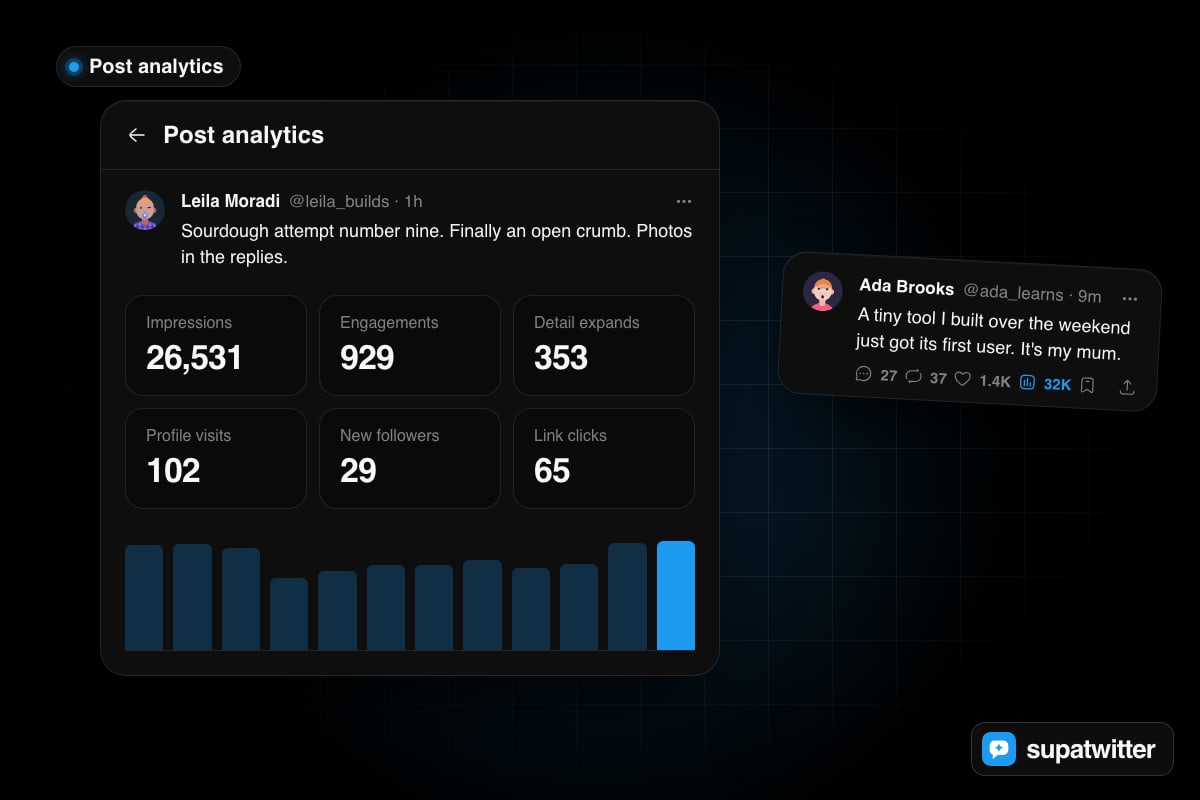
| Impressions | What analytics calls views, and the two track closely | Your tweet analytics |
| Reach | Different people who saw it | No single number for a tweet |
Only people logged in to Twitter add views. Older tweets show no view count. A video view counts after 2 seconds with half the player on screen.
1. Fill the first hour with real reactions
Twitter shows a tweet to more people when the first readers like it, reply and save it soon after posting, so line those readers up before you press Post.
SupaTwitter supplies that start for free: likes, replies, saves and followers. No bots: every member is a checked, real person whose profile shows a face and an audience. Each reaction is given by hand, and the only thing you hand over is the tweet's public link, with no password. The views arrive after the reactions.
2. Start with a first line that stops the scroll
Readers decide in a glance, so lead with the claim, the number or the result and put the background after it. Our hook generator turns a topic into openers to pick from.
3. Attach a picture or a short native video
A chart, a screenshot or a face takes more of the screen and gives people something to open. Trim video so the payoff lands in the first second, and fit pictures with the image resizer.
4. Use threads, polls and quote tweets
A thread gives people a reason to expand and read on, and a poll is a one-press vote. Quote a relevant tweet with your own take: it is a new tweet with its own view count. Never start a tweet with @username, or only people who follow both of you see it.
5. Reply under bigger tweets in your topic
A useful reply puts your name in front of a larger audience: a fact, an example or a counterpoint, written early while the tweet still climbs. The reply generator drafts replies for you. Premium gives replies a small lift in the thread, and every step here works on a free account.
6. Put the link in a reply and keep hashtags to one or two
A tweet with an outside link gets shown less, so write a complete tweet and add the link as your first reply. One or two hashtags fit a tweet, and more look like spam.
7. Post at steady times and reuse your winners
Post by hand: autoposting cuts reach. Look at the view count under your last ten tweets for the hours that drew the most and post around them, as our best time to post guide shows. Pin your best tweet and share it again later.
8. Judge each tweet against your own typical number
- Write down the views of your last 20 tweets.
- Sort them and read the number in the middle.
- Compare each new tweet with that number.
Free-view sites skip all of this and deliver empty counts, and buying views is forbidden. The honest route needs a week of habit and then it adds up.
Pick one tweet this week, rewrite its first line and watch the first hour.