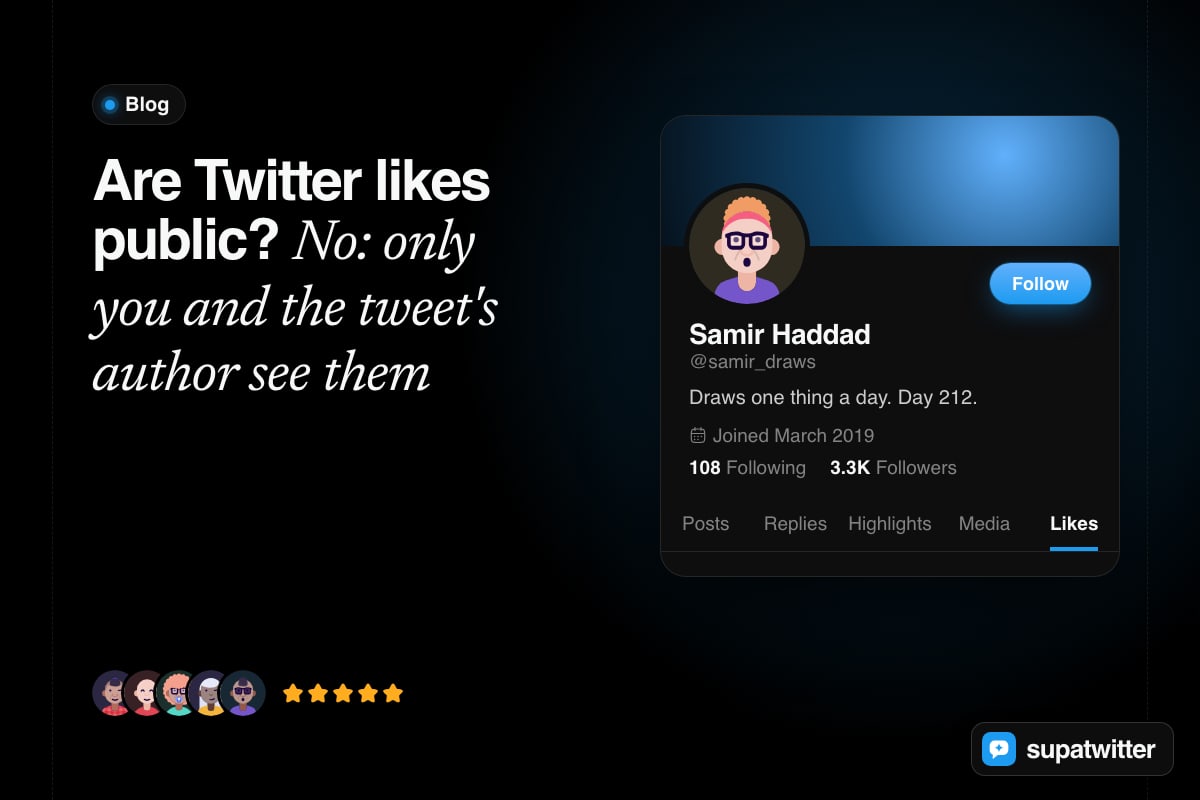
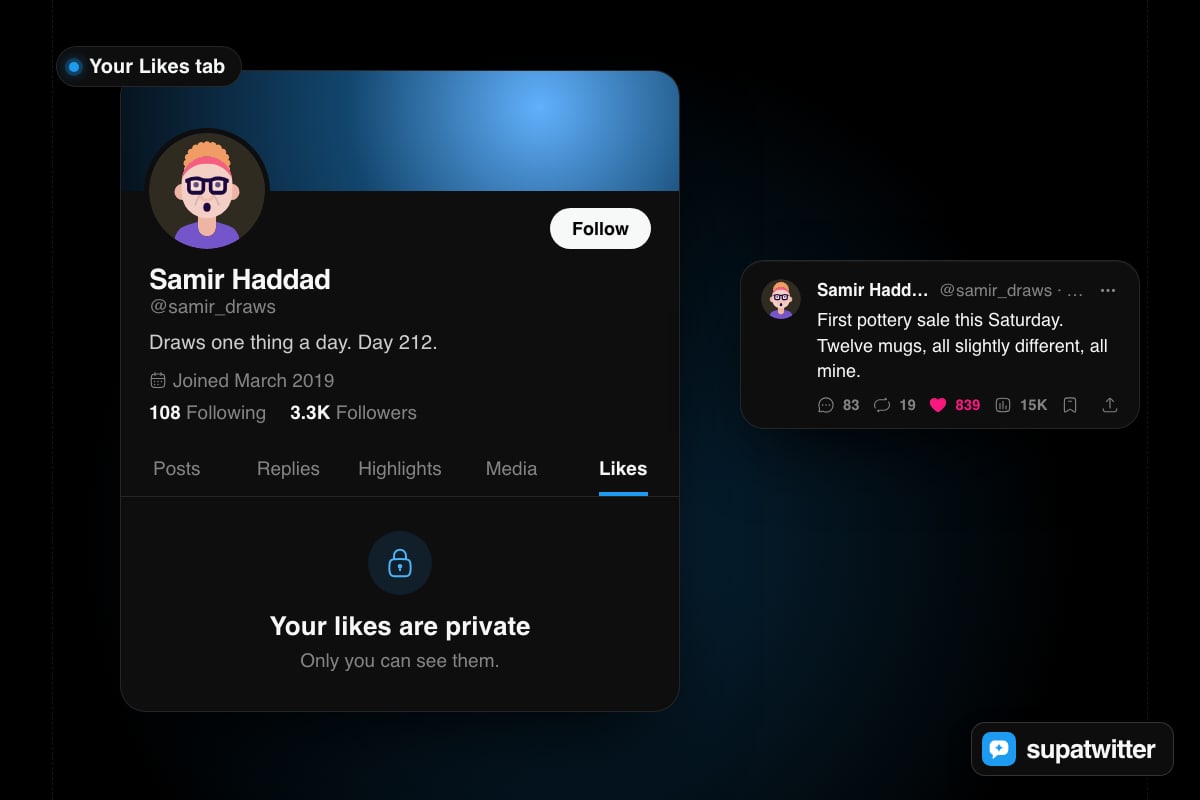
Since June 12, 2024, nobody can browse another person's likes
The change came in steps. In 2023 Premium subscribers could hide their Likes tab. On June 12, 2024 likes went private for every account, so people can like a tweet freely, without being judged or targeted for it.
Public still: tweets, replies, retweets, quotes, follow lists and the number of likes under each tweet. Private: the names behind a like, and the list of what a person liked.
SupaTwitter puts real people's likes on your tweets, and only you see the names
SupaTwitter is a free community of Twitter users who support each other's tweets: free likes, replies, saves (Bookmarks) and followers, with no conditions. Only verified accounts of real people take part, each showing a real face and an audience of their own, so there are no bots. Members like by hand from their own accounts, and no Twitter password is involved: the public link to your tweet is enough. The names then show up in your Notifications, where nobody else looks. Start with free Twitter likes or replies.
Each person sees a different slice of your likes
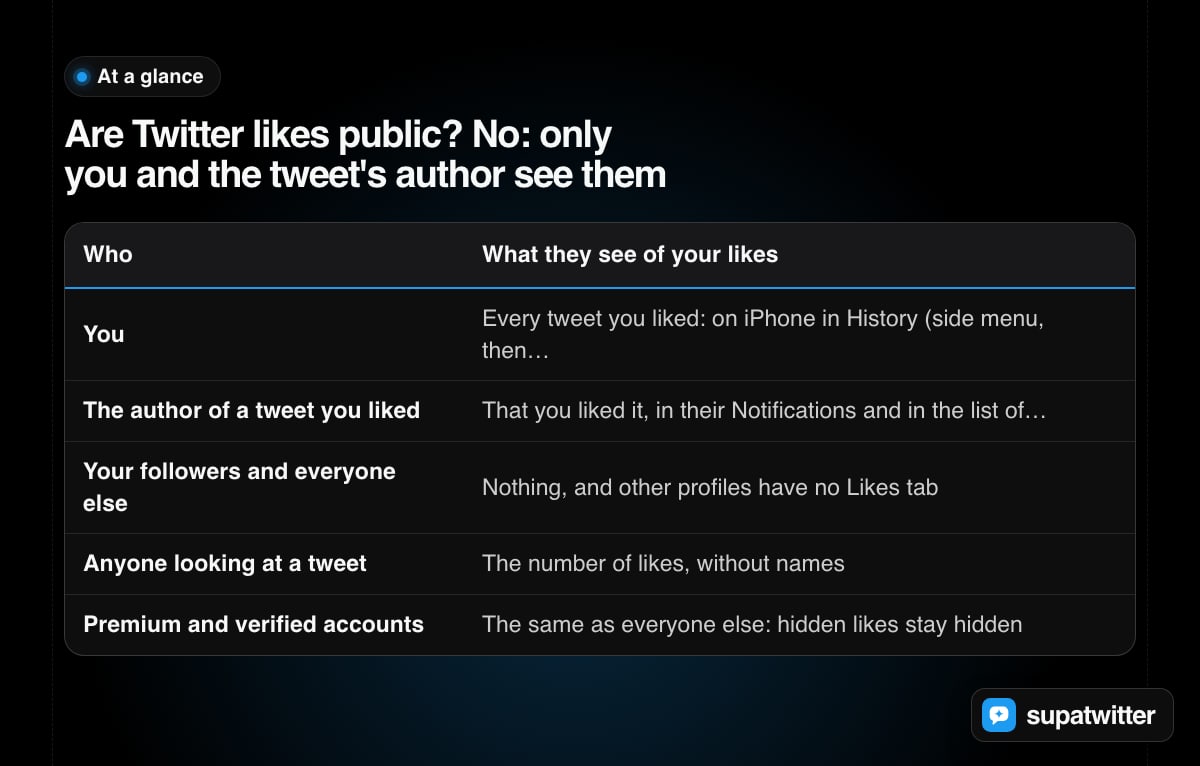
| Who | What they see of your likes |
|---|---|
| You | Every tweet you liked: on iPhone in History (side menu, then History, then Likes) since May 12, 2026, and on x.com and Android in the Likes tab of your profile for most accounts, or in History where it has arrived |
| The author of a tweet you liked | That you liked it, in their Notifications and in the list of likes |
| Your followers and everyone else | Nothing, and other profiles have no Likes tab |
| Anyone looking at a tweet | The number of likes, without names |
| Premium and verified accounts | The same as everyone else: hidden likes stay hidden |
If you unlike a tweet, you leave the author's list, and a notification already sent stays sent. There is no setting to make likes public again, and apps that claim to show other people's likes ask for your login and show nothing. Bookmarks stay private too. Your old likes are in the data archive you can download from your account.
You see who liked your own tweets in three places
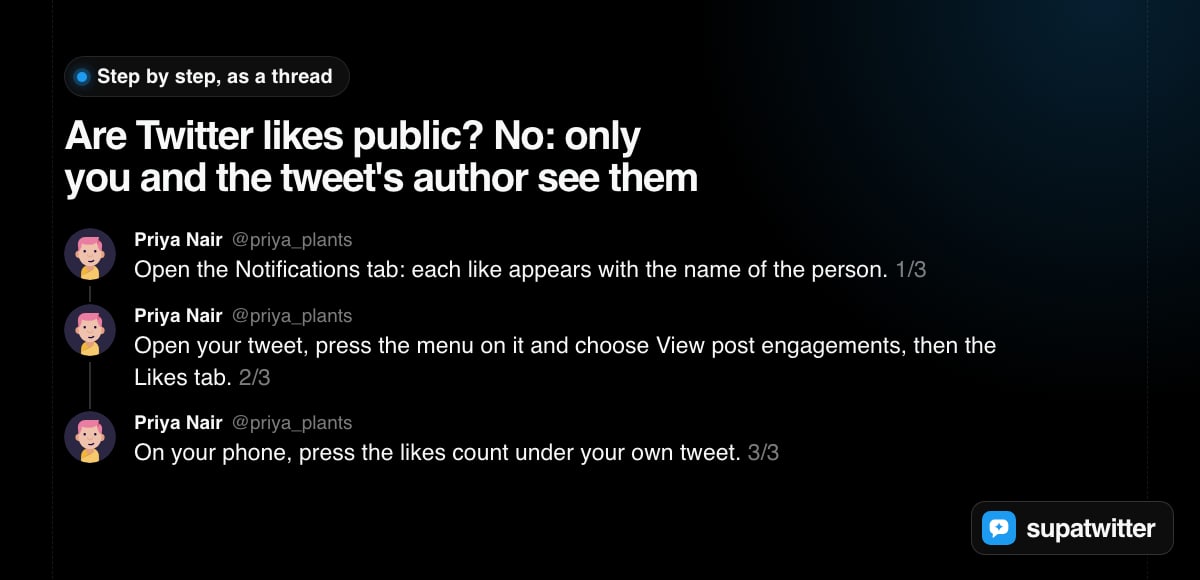
- Open the Notifications tab: each like appears with the name of the person.
- Open your tweet, press the menu on it and choose View post engagements, then the Likes tab.
- On your phone, press the likes count under your own tweet.
Your likers' profiles show who your tweet reaches
A reader who opens your tweet sees a count and no names, so 40 likes look the same whoever gave them. You see the names, so you can tell. Open the likers in the first hour after posting. A photo, a bio and followers of their own mean a real reader, and real readers are the ones who reply, save and follow next. Likes from blank profiles add a number and nothing else, and bought likes are blank profiles you will spot in your Notifications.
Look at who reacts first, because those early reactions decide whether the tweet reaches more people in For you. Likes, a reply that adds a fact and a save together carry a tweet further than a pile of likes alone. Open the likers of your next tweet within an hour of posting, and read how to get likes on Twitter for the rest of the plan.